Dayoff Start a conversation →
Dayoff

Build Friendships,
Not Followers

Post once. The right person reads it and starts the conversation.
Continue with Google · free
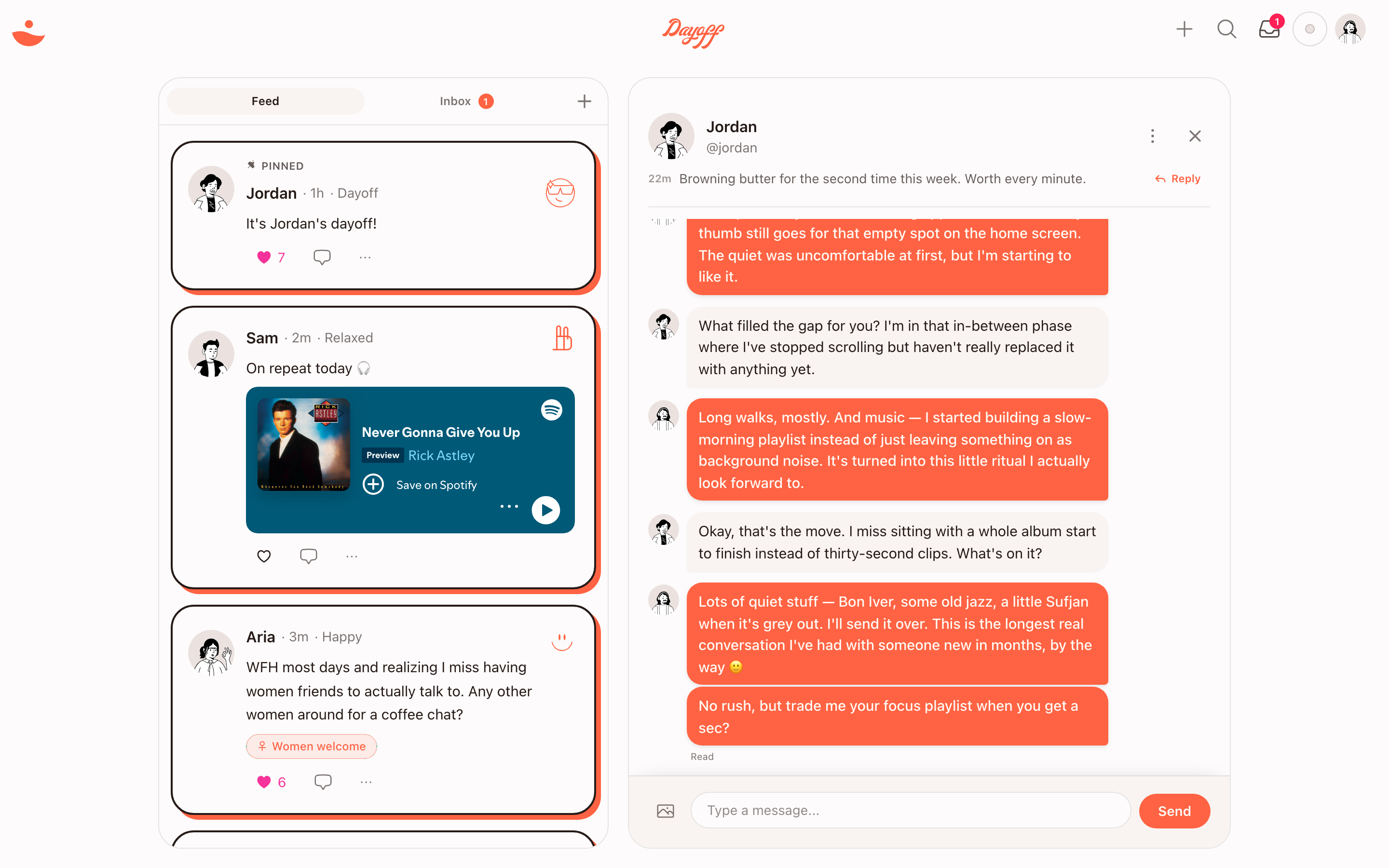
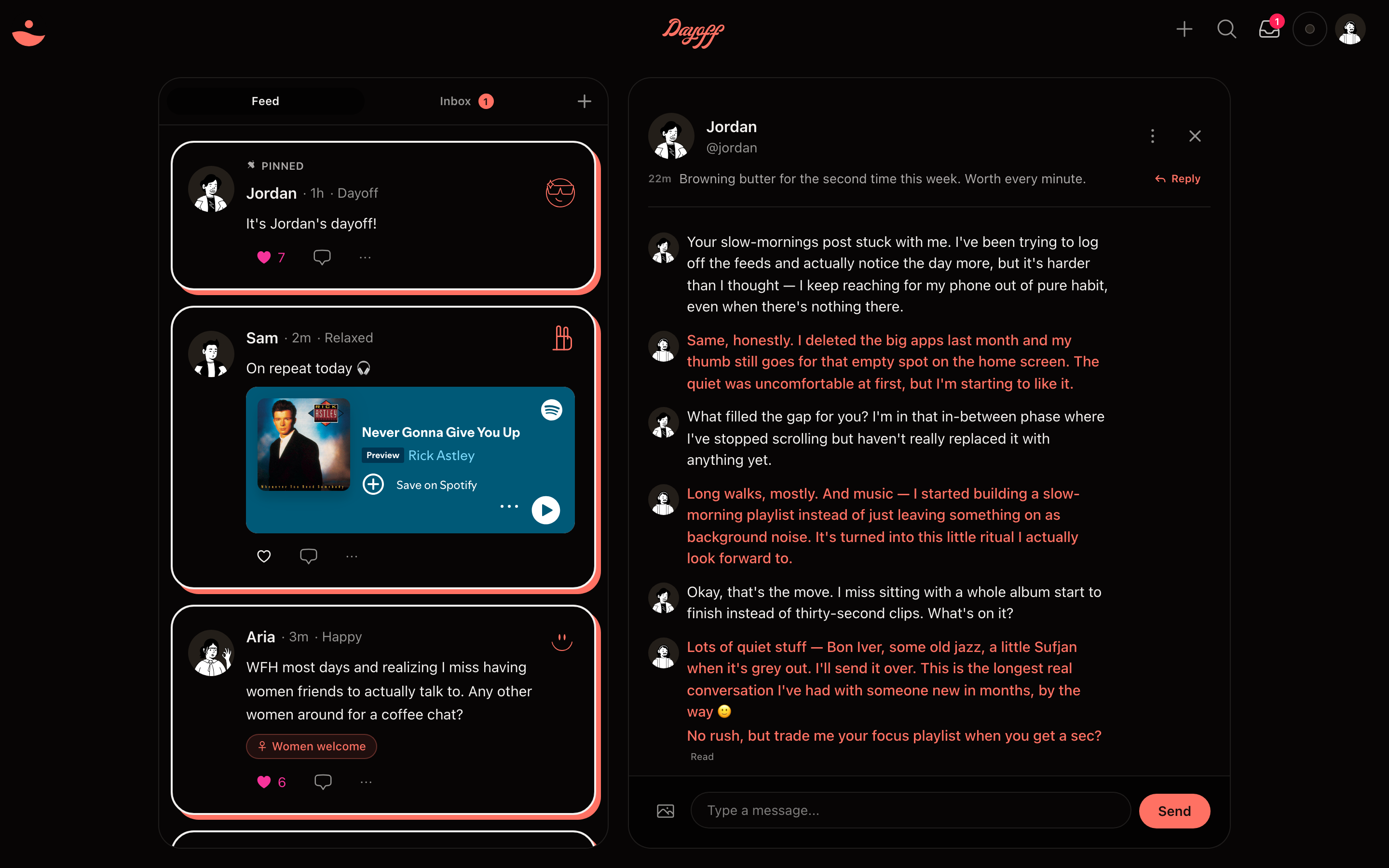
The Dayoff app on desktop — a quiet feed on the left, and the one-on-one conversation a post started on the right. The Dayoff app on desktop — a quiet feed on the left, and the one-on-one conversation a post started on the right.
The whole app, in one view — a quiet feed, and the conversation a post started.

How Dayoff works

The whole app is built to start one conversation.

01

A quieter social feed

No followers. No clout. Just DMs. The feed is short posts that exist to give you a reason to reach out — not a stage to perform on.
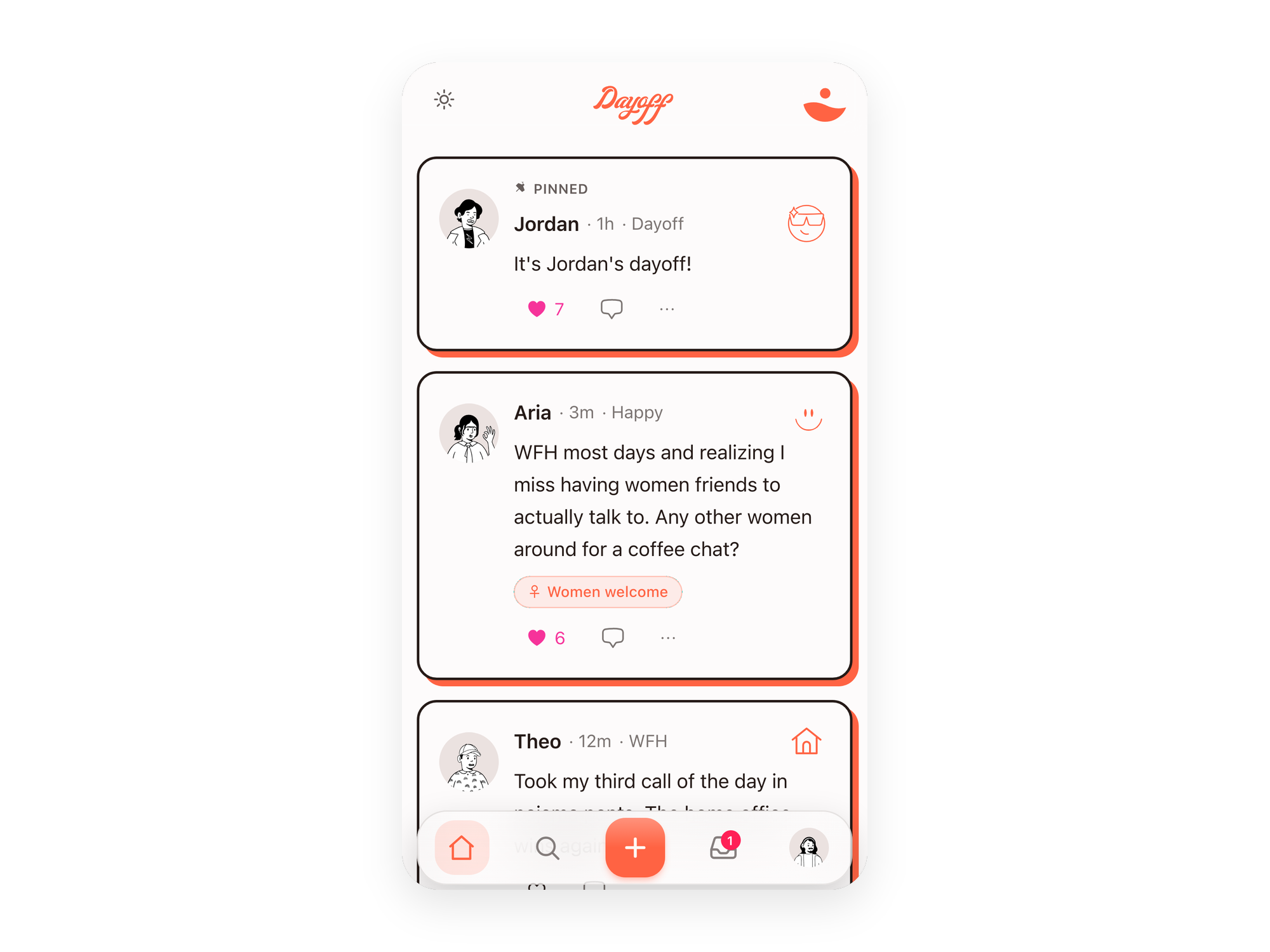
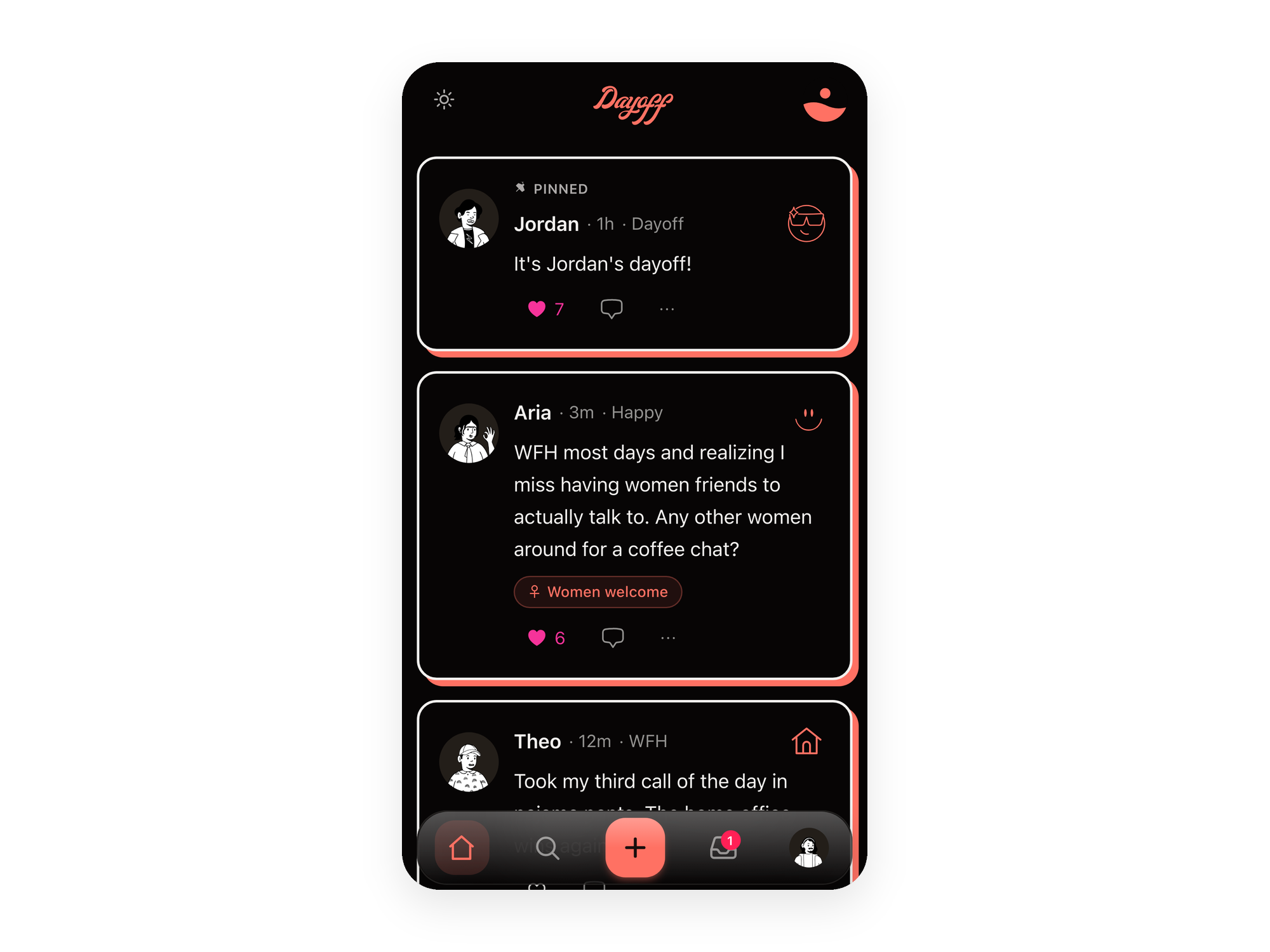
The Dayoff feed — get found by people who actually want to talk The Dayoff feed — get found by people who actually want to talk
02

A profile worth reading, not just swiping.

Real bios over hot takes. Get a sense of who someone actually is before you say hi — so the first message has somewhere to go.
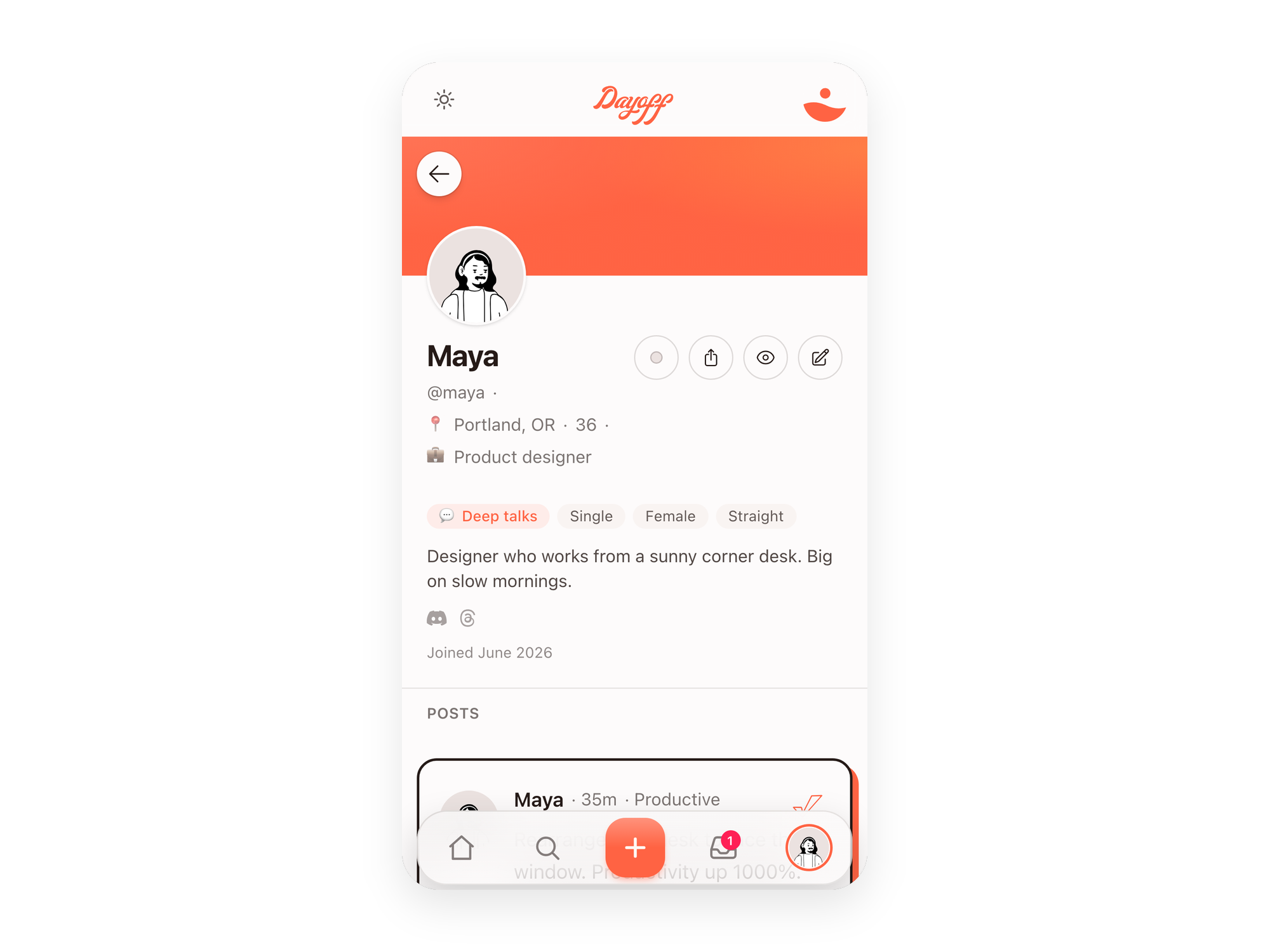
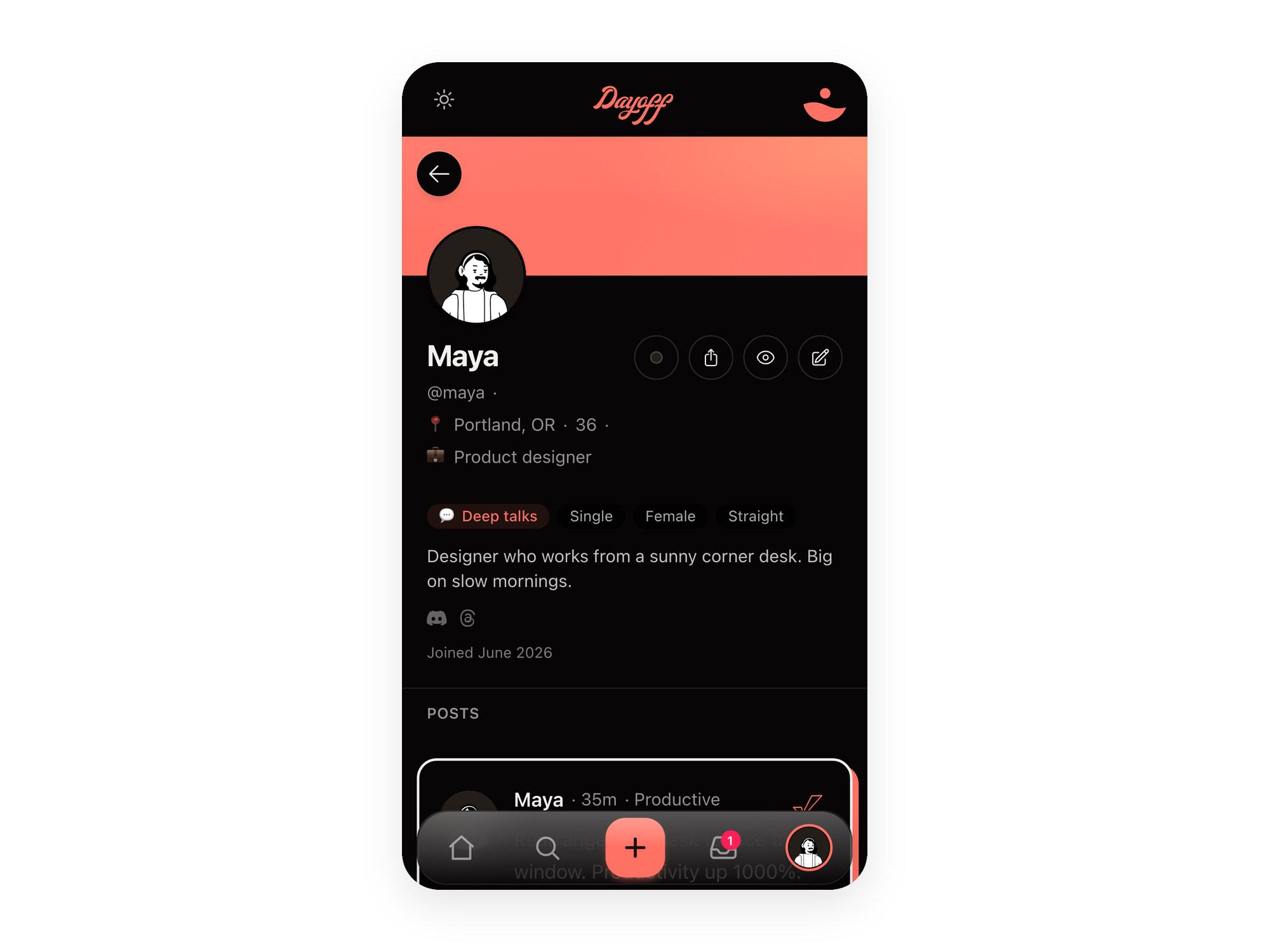
A Dayoff profile page A Dayoff profile page
03

Chat here first — then share your real socials.

The message is the whole product. Talk one-on-one on Dayoff, and trade Instagram or numbers only once you both want to.
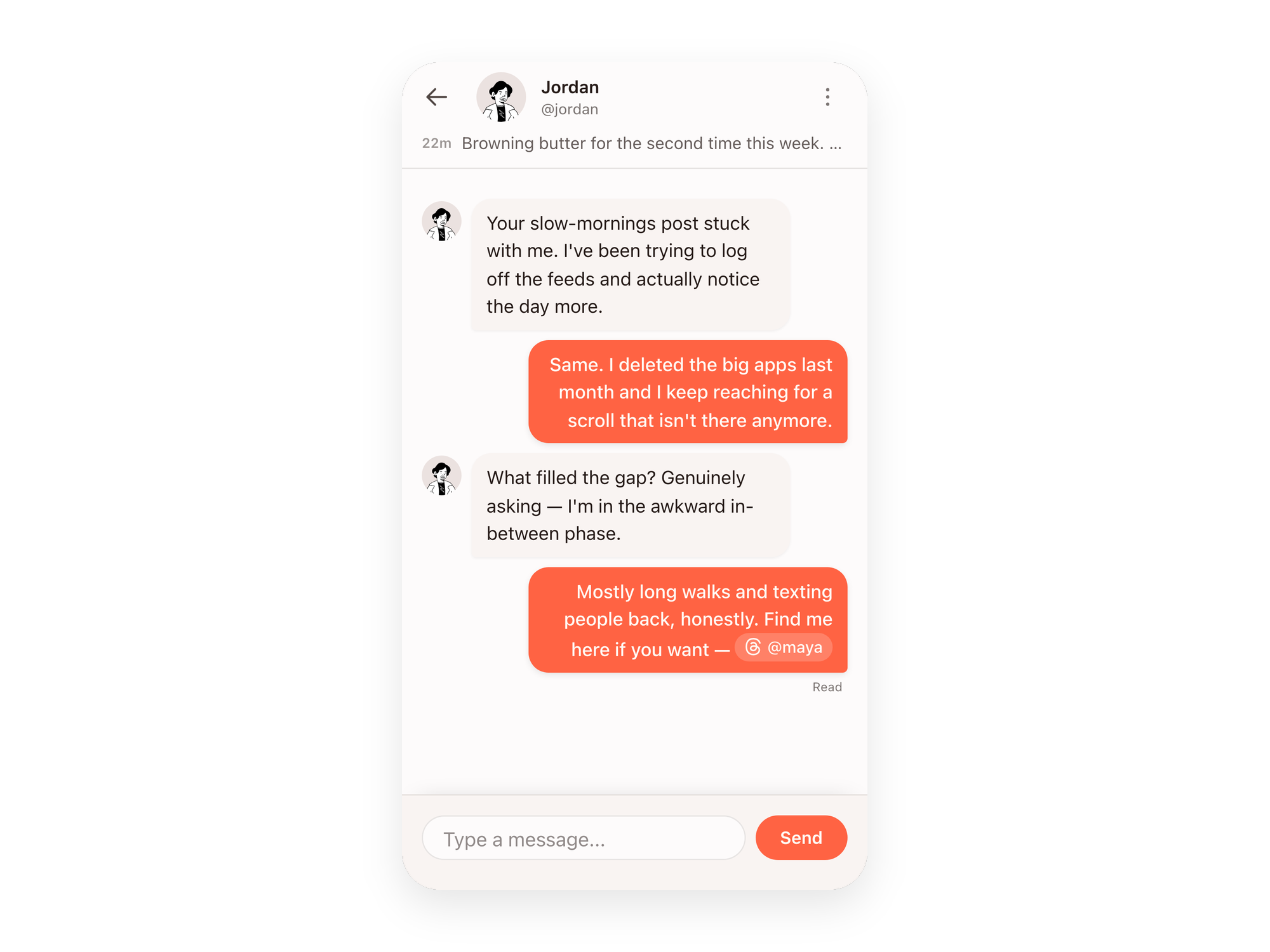
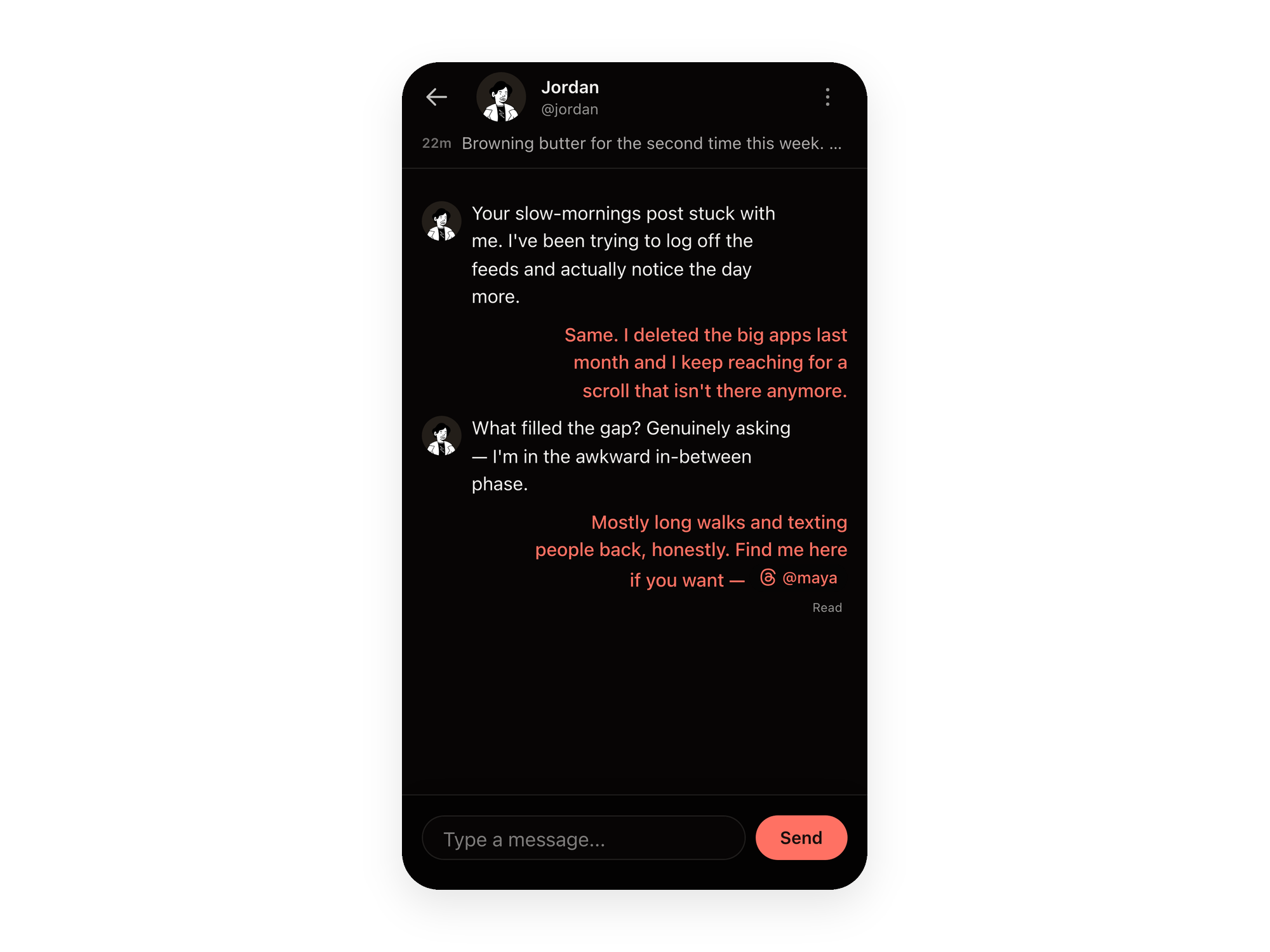
A one-to-one conversation in Dayoff A one-to-one conversation in Dayoff
04

You decide who can reach you.

Posting means you're open to messages — but you set the terms. Filter who can reach you so being reachable never means being exposed.
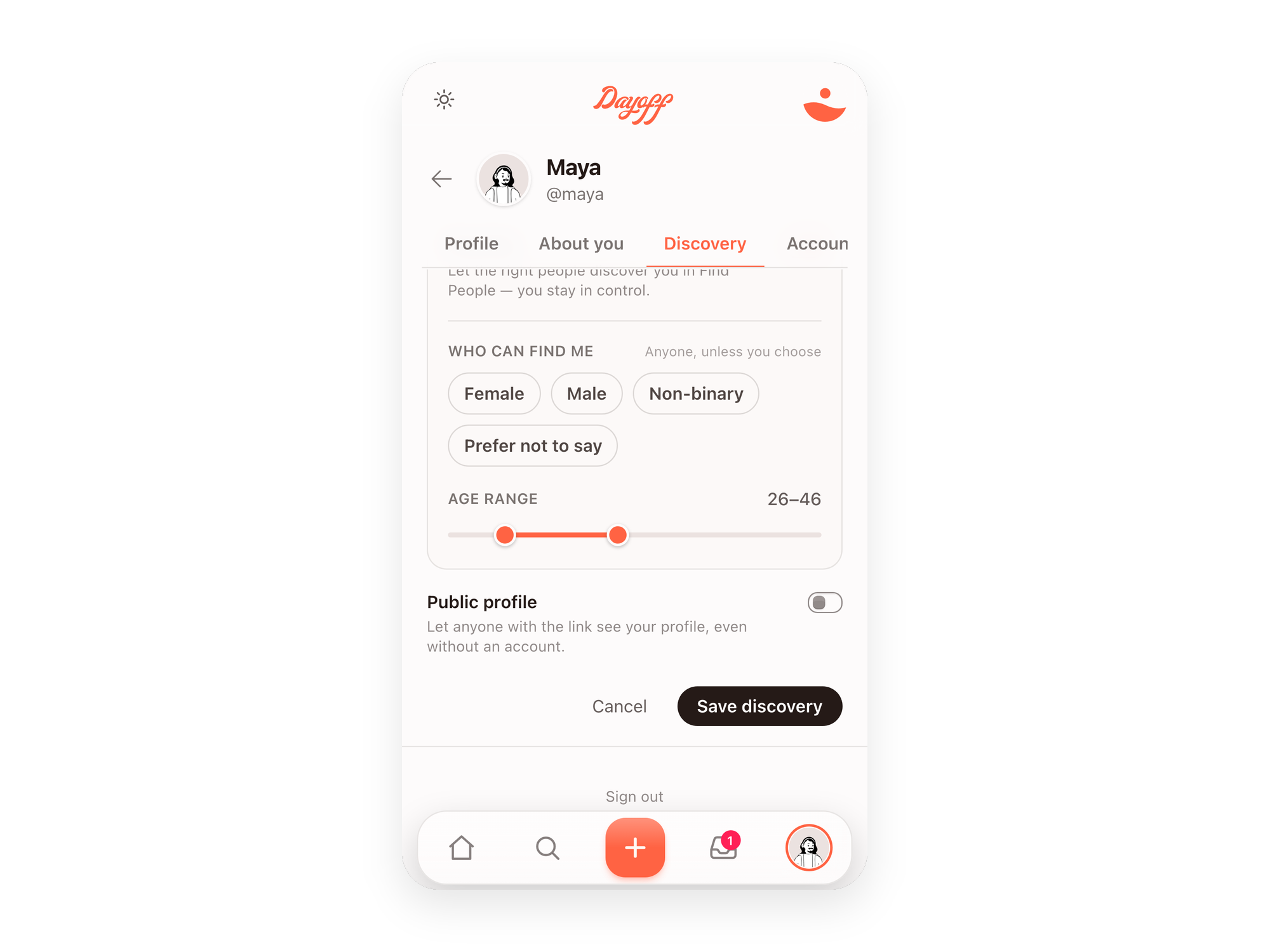
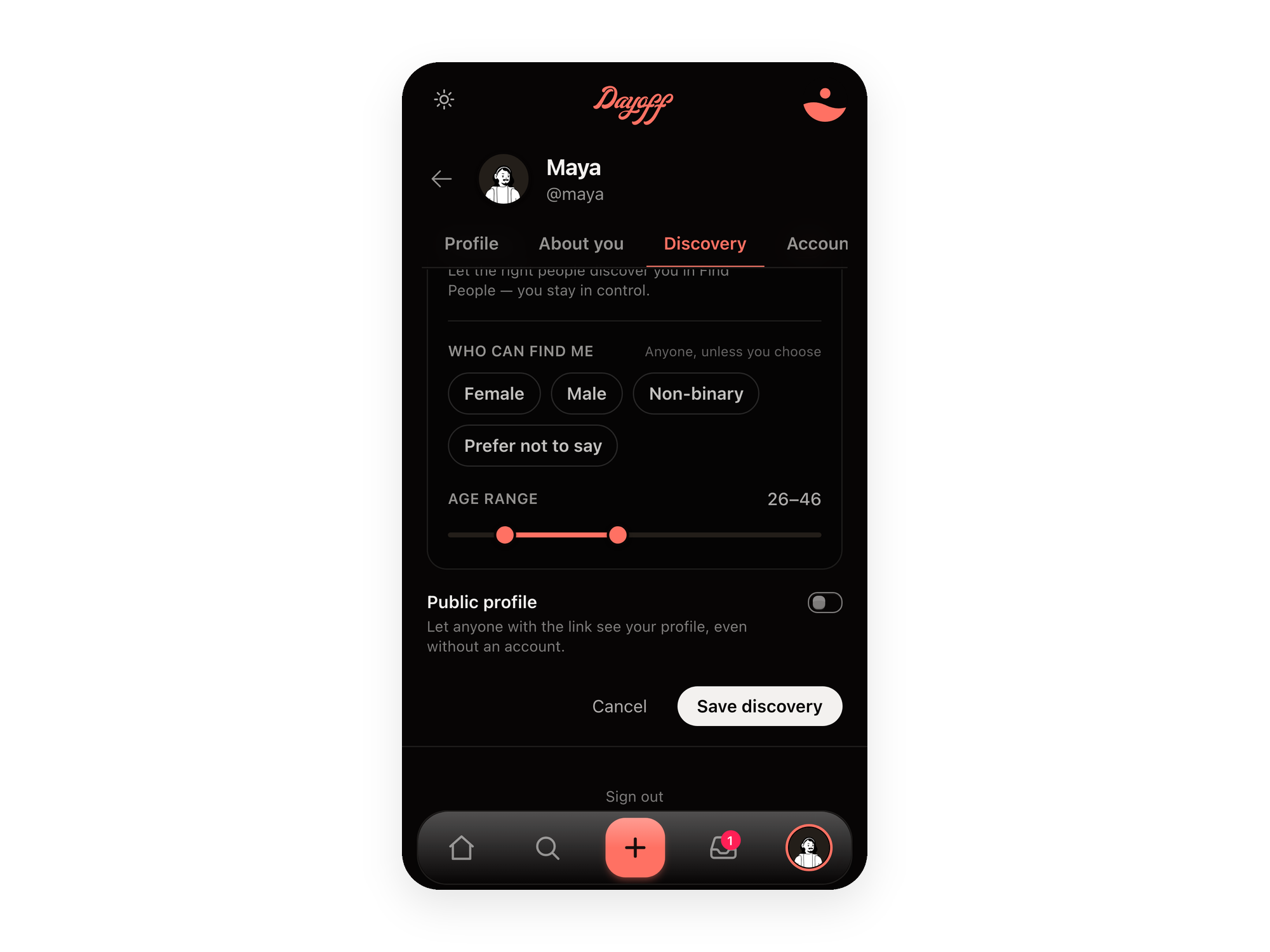
Setting your Find Me preferences in Dayoff — you decide who can reach you Setting your Find Me preferences in Dayoff — you decide who can reach you

On your terms

Being reachable shouldn't mean being exposed.

Posting means you're open to a message — but you decide who can send it, and what it takes to reach you. First names only. No pile-ons, no one-word drive-bys.
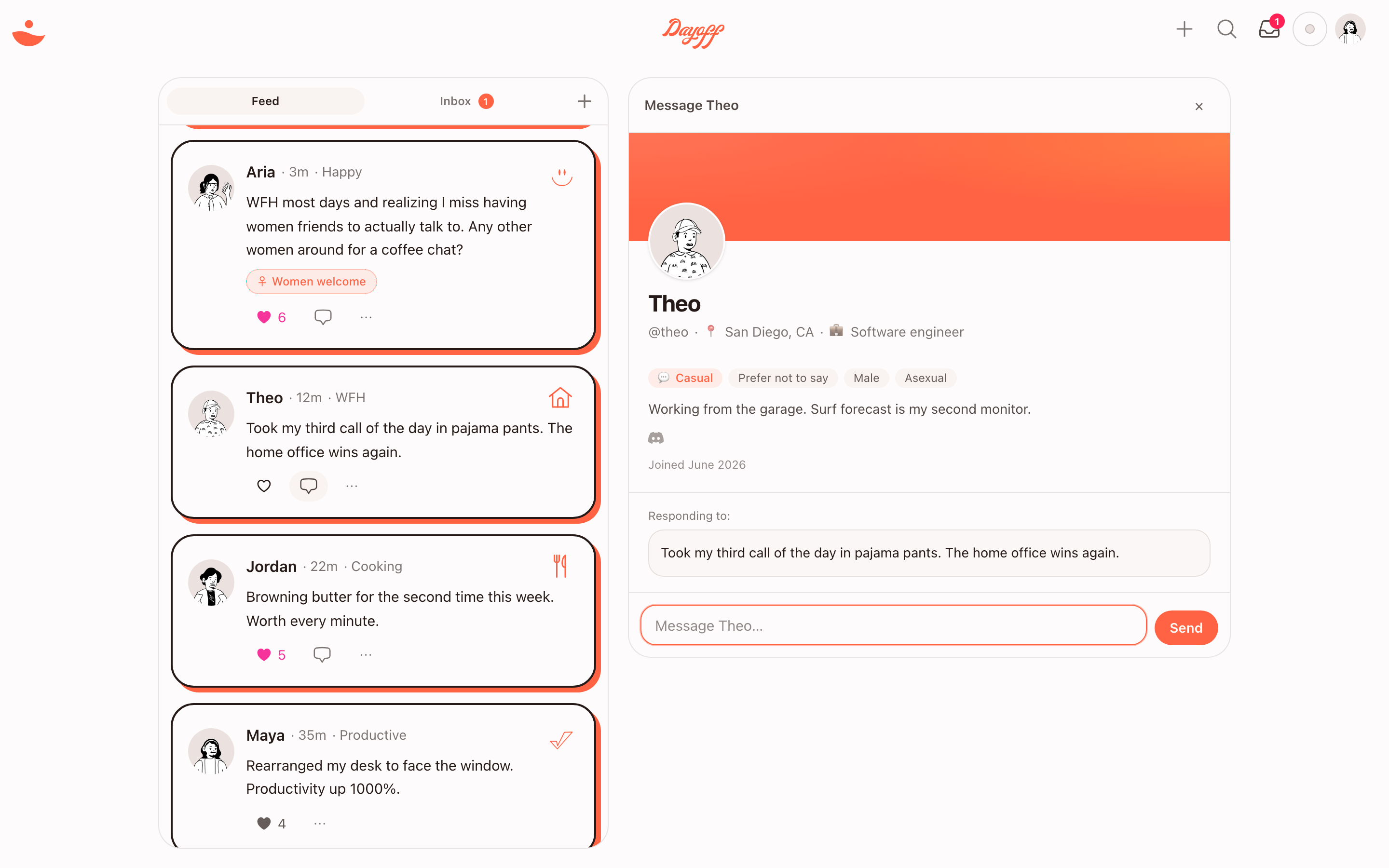
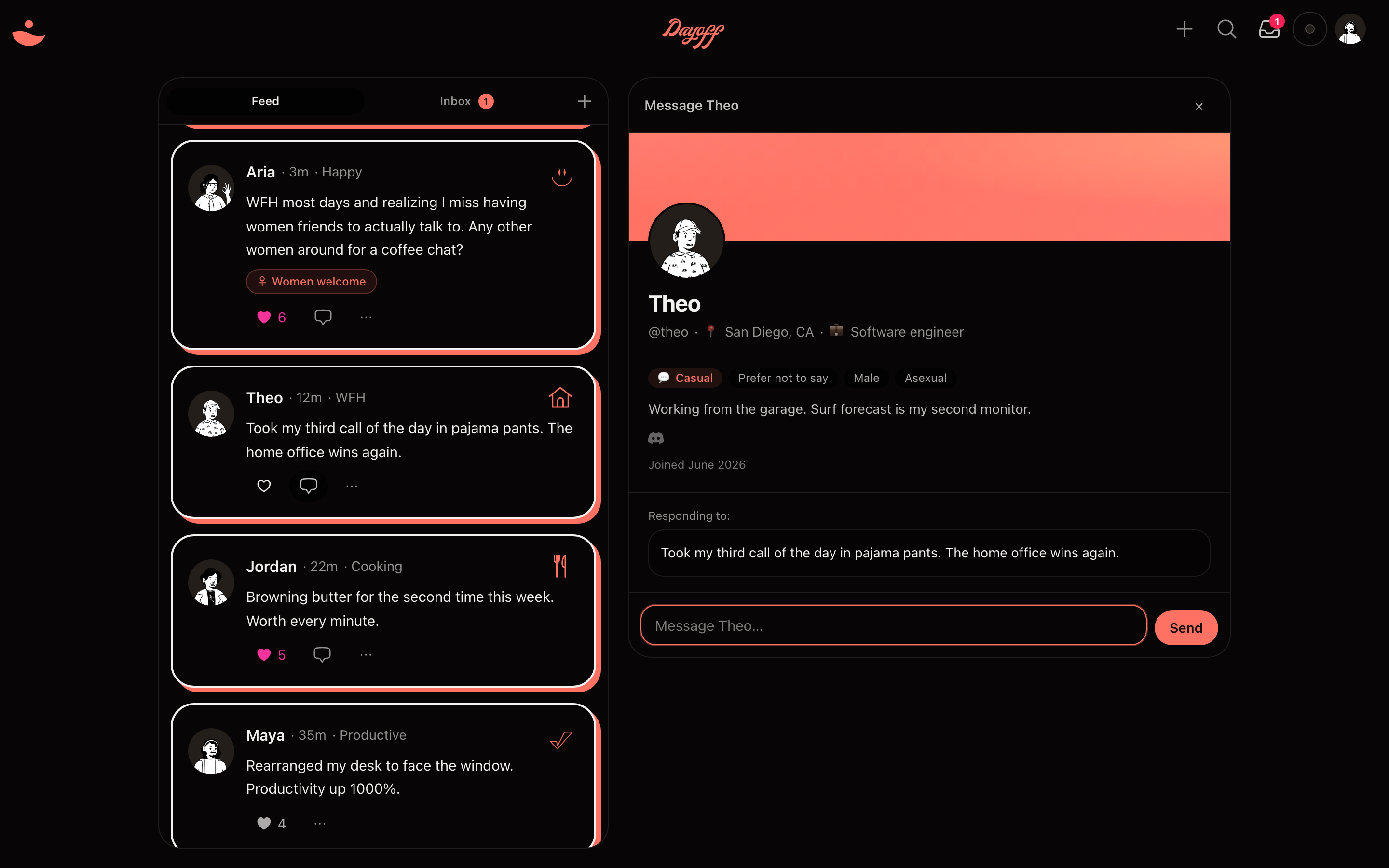
The Dayoff app on desktop — a quiet feed on the left, and on the right the profile of the one person a post is about to start a conversation with. The Dayoff app on desktop — a quiet feed on the left, and on the right the profile of the one person a post is about to start a conversation with.
Every post starts one conversation — you see exactly who you're reaching before you say a word.
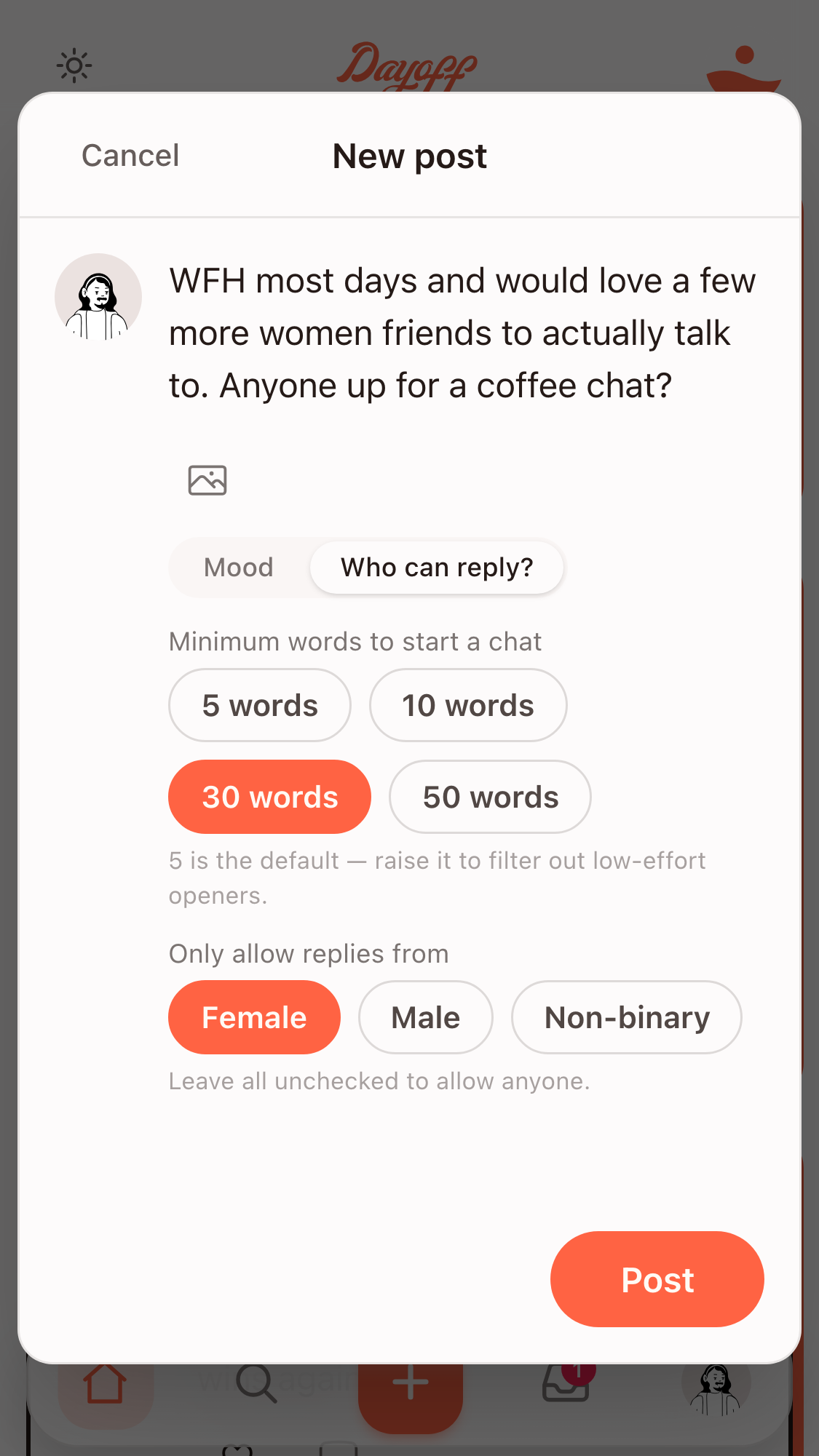
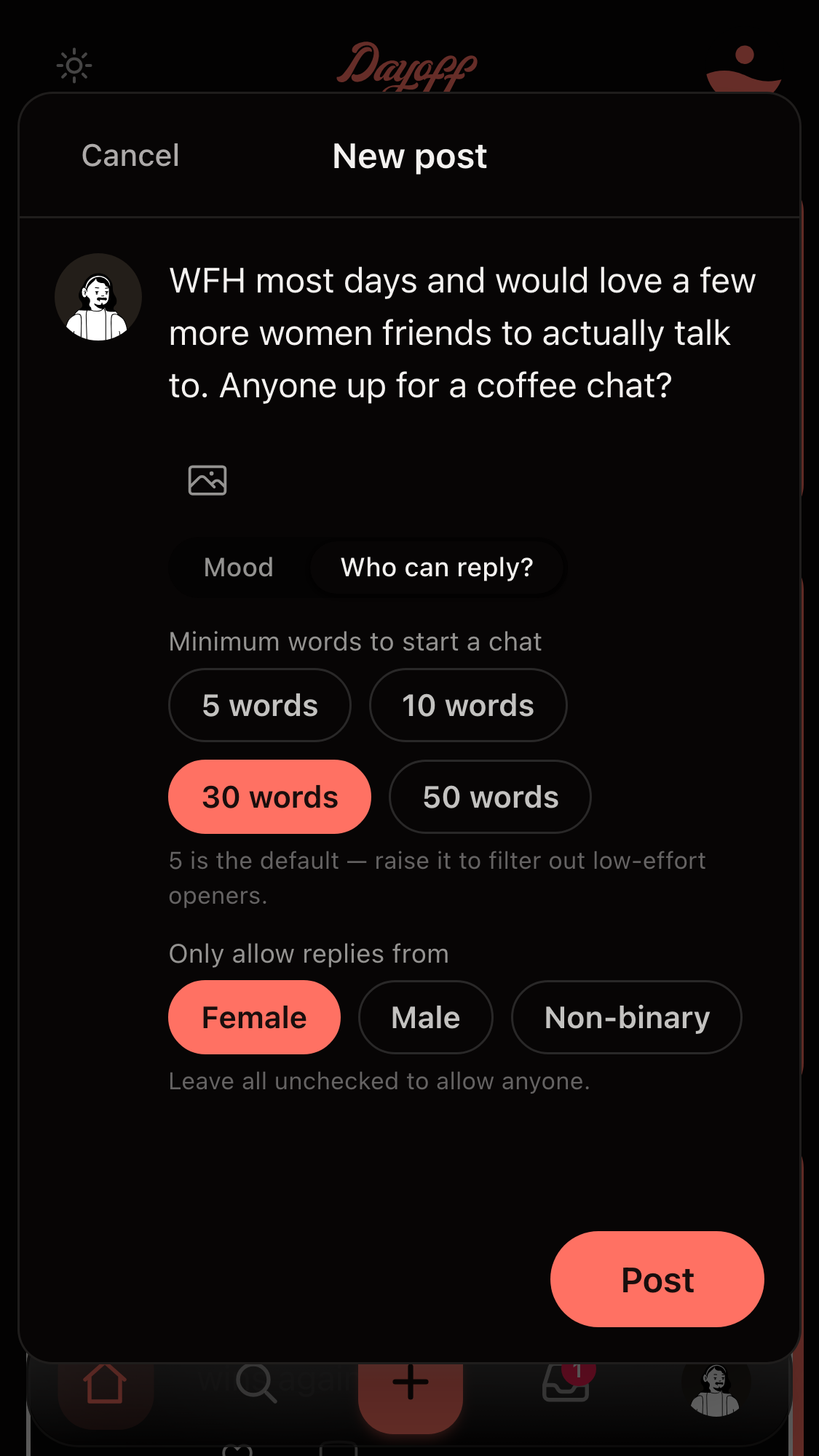
The Dayoff composer — choosing who can reply and the minimum effort to send a first message, before posting. The Dayoff composer — choosing who can reply and the minimum effort to send a first message, before posting.

Set who can reply — before you post.

Choose who's allowed to start the conversation, and require a real opening line instead of a one-word "hey." The controls that keep being reachable from ever feeling exposed.

See how it works →

Find someone worth talking to.

The DM is the point. Everything else just helps you start one.

Start a conversation →
Continue with Google · free